
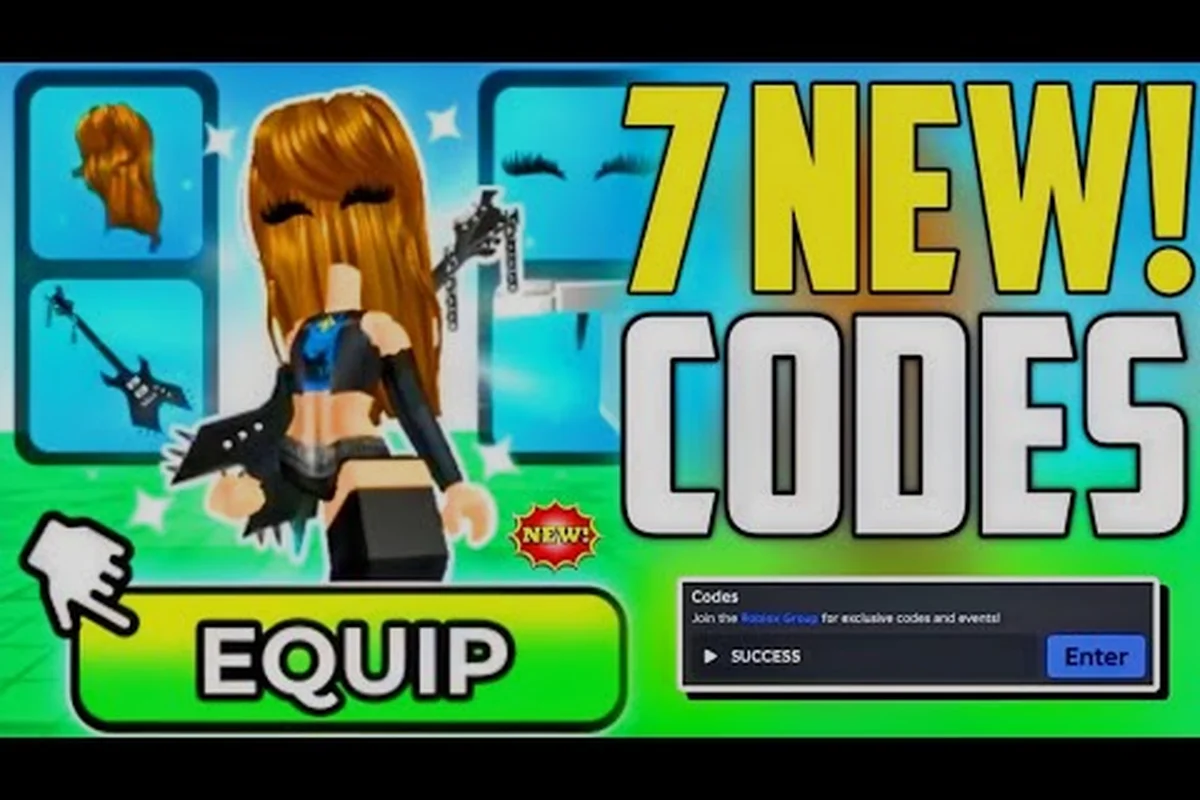
A well-planned my avatar winter avatar turns seasonal events into a visual highlight reel without forcing you to rebuild your entire look from scratch. The Roblox catalog updates constantly, and My Avatar makes browsing, previewing, and equipping those pieces fast enough that a themed outfit becomes a five-minute project rather than a weekend chore. This guide breaks down the strongest winter, holiday, and birthday combinations while showing how to recreate community looks and twin with friends using only catalog items that actually work in-game.
According to the official Roblox game page, the winter avatar features unique seasonal mechanics that alter how your character interacts with snow-covered environments.
Why a Seasonal Avatar Build Starts With the Catalog
The core loop in My Avatar is simple: you browse the full Roblox catalog inside the experience, try on community-made outfits, preview items before equipping, and then save everything to your own Roblox inventory. That last part matters more than most players realize because every purchase works across every experience on the platform, not just inside My Avatar. A winter coat you grab for a holiday screenshot still exists when you jump into a different Roblox game later that day.
The official experience page lists over 415 million visits and roughly 5.2 million favorites, which tells you how many players treat this as their primary avatar styling hub. Shopping in-game also earns Points that can be spent in the Point Store on more than 100 free accessories, so a seasonal refresh does not have to drain your Robux balance. Community data consistently shows that players who plan a my avatar holiday avatar around free Point Store items first, then fill gaps with paid catalog pieces, end up with more versatile outfits than those who impulse-buy every new winter drop.
| Seasonal Planning Step | What to Do | Why It Works |
|---|---|---|
| Audit Current Inventory | Check coats, hats, scarves, and face accessories you already own | Avoids duplicate purchases and reveals gaps |
| Redeem Active Codes | Use Point Shop codes like 50Points for free currency | Unlocks free accessories without Robux |
| Browse Community Outfits | Try on full looks from the outfit browser | Gives you a tested color palette instantly |
| Preview Before Equipping | Use the in-game preview tool on every piece | Prevents mismatched scaling or clipping |
| Save to Inventory | Equip the final look so it syncs platform-wide | Keeps the outfit available across all Roblox games |
The Point Store is the quiet MVP here. Game Rant tracks active My Avatar codes and the redemption path, which runs through the Point Shop, then Buy Points, then the Enter Code Here box. Codes like 50Points grant 50 free Points, and while older codes such as 100POINTS may expire at any time, the official Discord remains the primary channel where new codes drop. Checking that channel before a seasonal build is a low-effort habit that pays off every single month.
Winter Layering: Coats, Scarves, and the Right Silhouette
A convincing my avatar winter avatar depends on layering, not just throwing a beanie on your default character. The strongest winter looks start with a base layer that defines the silhouette, then add a mid-layer for texture, then finish with accessories that frame the face. Because Roblox avatars use a blocky rig, oversized coats and chunky scarves read better than thin or skin-tight winter pieces, which can look flat at a distance.
The catalog has hundreds of winter coats, but the ones that photograph well in My Avatar share a few traits. They have clear collar shapes, visible sleeve cuffs, and a hem that ends above the knee so leg accessories remain visible. Coats that extend to the ankles tend to clip through sitting animations and obscure boots, which is why community outfit showcases rarely feature full-length winter overcoats.
| Layer | Recommended Piece Type | Styling Note |
|---|---|---|
| Base | Long-sleeve sweater or thermal shirt | Neutral color keeps the palette flexible |
| Mid | Puffer coat, wool overcoat, or hooded parka | Choose one with visible collar detail |
| Accessory | Chunky scarf or neck warmer | Adds texture and frames the face |
| Head | Beanie, trapper hat, or earmuffs | Match the accent color to the scarf |
| Legs | Snow pants or dark jeans | Avoid white-on-white leg and coat combos |
| Feet | Winter boots or high-top sneakers | Boots with fur trim read as seasonal |
One trick that experienced players use is the silhouette test: stand your avatar against a plain background in My Avatar, zoom out to the default camera distance, and check whether the outfit still reads as winter. If the scarf disappears into the coat or the beanie blends with the hair, swap one piece for a higher-contrast color. This test catches most layering mistakes before you spend Points or Robux on a piece that only looks good in close-up previews.
Holiday and Special Occasion Fits That Do Not Look Generic
A my avatar holiday avatar works best when it references the season without becoming a costume that only makes sense for one day. Christmas fits, for example, can lean on deep reds, forest greens, and cream accents instead of dressing as Santa. Birthday fits can use confetti patterns, gift-box accessories, and party hats without turning your avatar into a walking cake.
The same logic applies to a my avatar special occasion avatar for New Year, Valentine's Day, or a winter formal event. Community reports suggest that the most recreated holiday looks are the ones with a clear focal accessory — one standout piece that carries the theme while the rest of the outfit stays neutral. That focal piece could be a glowing snowflake necklace, a gift-stack hat, or a pair of ice-blue wings, but it should be the only loud item in the build.
Holiday Palette Cheat Sheet
-
Christmas: deep red, forest green, cream, gold trim, subtle plaid
-
Hanukkah: navy, silver, white, blue accents, candle-glow accessories
-
New Year: black, gold, silver, sequin textures, countdown glasses
-
Valentine's Day: blush pink, burgundy, white, heart-shaped glasses
-
Winter Birthday: pastel blue, lavender, confetti patterns, gift-box hats
-
Generic Winter: charcoal, ice blue, cream, fur trim, snowflake motifs
The birthday category deserves special attention because a my avatar birthday avatar often needs to work in both screenshots and actual party games. Players who build birthday fits around a gift-box hat or confetti particle accessory report that the outfit reads clearly even in fast-moving game modes, while subtler birthday themes like a single balloon accessory get lost. If you are twinning with a friend for a birthday, pick one shared accessory and let the rest of the outfit diverge so both avatars keep individual personality.
Recreating and Twinning Community Looks
The outfit browser inside My Avatar is essentially a live lookbook, and the fastest way to build a my avatar avatar recreation is to start from a community outfit you already like, then swap one or two pieces to make it your own. This approach saves time because the original creator already solved the color matching and layering problems, which means you only need to adjust for your personal taste or budget.
A my avatar avatar twin works differently. Twinning means matching a friend's outfit closely enough that you read as a pair, but not so closely that you lose individual identity. The standard community method is to match the top and hat exactly, then diverge on pants, shoes, and face accessories. That shared top creates the twin effect in screenshots while the divergent bottom half keeps each avatar recognizable.
| Twinning Method | What Matches | What Diverges | Best For |
|---|---|---|---|
| Full Twin | Entire outfit | Nothing | Screenshot-only moments |
| Top Twin | Coat, shirt, hat | Pants, shoes, accessories | Party games and group photos |
| Color Twin | Palette only | All individual pieces | Themed events with large groups |
| Accessory Twin | One focal accessory | Everything else | Birthday and holiday fits |
| Inverse Twin | Swapped color roles | All pieces | Duo content and thumbnails |
Recreating a look you saw in a YouTube showcase or on the community board is also a strong learning exercise. Pro Game Guides and POCKET-CODES both publish My Avatar code videos that show exactly where to redeem free Points and which Point Store items are worth grabbing, and those videos often feature seasonal outfits you can reverse-engineer. Watching how a creator layers a winter coat over a specific shirt teaches you more about catalog compatibility than reading a hundred text descriptions.
Building a Seasonal Wardrobe Without Overspending
The biggest mistake new players make is treating every seasonal drop as a must-buy. A smarter approach is to build a capsule wardrobe for winter: five to seven pieces that mix and match into at least four distinct outfits. That means choosing a cohesive palette first, then only buying pieces that fit the palette, no matter how tempting a random neon accessory looks in the preview window.
Free Points from codes change the math significantly. If you redeem active codes before each seasonal build, you can often cover the accessory layer entirely with Point Store items, leaving your Robux budget for one or two premium coats or hats. The Point Store rotates its free accessory selection, so checking it at the start of each month is a habit that compounds over time.
| Budget Strategy | Robux Spend | Point Spend | Result |
|---|---|---|---|
| Full Free | 0 | All seasonal accessories | Basic but functional winter fit |
| Hybrid | 1 premium coat or hat | All accessories | Strong focal piece with free support |
| Premium | 2-3 catalog pieces | Accessories if needed | High-detail outfit with full control |
| Collector | Every matching piece | Ignored | Complete set but low versatility |
The hybrid strategy is the sweet spot for most players. One premium coat with a distinctive collar or texture does more visual work than five cheap accessories, especially when the rest of the outfit comes from free Point Store items. Community data from My Avatar outfit showcases supports this: the most-liked winter builds usually feature one standout premium piece surrounded by clean, simple support items rather than a wall of expensive accessories competing for attention.
Seasonal Codes and Point Store Timing
Timing matters because My Avatar codes expire without warning, and the Point Store selection shifts over time. Game Rant's September 2026 tracker confirms that codes like 50Points still work through the Point Shop redemption flow, while older codes such as 100POINTS may expire at any time. The official Discord is the primary release channel, so checking it before a holiday build is the most reliable way to catch fresh codes.
The broader lesson is that a my avatar winter avatar does not need to be built in one sitting. You can redeem codes one week, browse community outfits the next, and finalize your layering the week after. Spreading the process out also gives you time to preview pieces in different lighting and poses inside My Avatar, which catches clipping issues that a rushed build would miss.
| Timing Window | Action | Benefit |
|---|---|---|
| Start of Month | Check Point Store rotation | See new free accessories first |
| Before Holiday | Redeem active codes | Bank free Points for the build |
| Mid-Holiday | Browse community outfits | Catch trending seasonal looks |
| After Holiday | Save final outfit to inventory | Keep the look across all Roblox games |
The outfit catalog guide covers broader style categories if you want to expand beyond winter, but the seasonal approach here translates directly: build around a focal piece, keep the palette tight, and use free Points before spending Robux. That loop works for Halloween, summer, and birthday fits just as well as it does for winter.
Frequently Asked Questions
How do I get free Points for a winter avatar build?
Open the Point Shop inside My Avatar, select Buy Points, then paste an active code into the Enter Code Here box. Codes like 50Points grant 50 free Points, and the official Discord is the primary channel where new codes are released. Older codes expire without warning, so redeem before starting a seasonal build.
Can I use my winter outfit in other Roblox games?
Yes. Everything you buy or equip in My Avatar saves to your own Roblox inventory, which means the same winter coat, scarf, and beanie work across every experience on the platform. This is one of the main reasons players use My Avatar as their primary styling hub instead of buying pieces game by game.
What is the best focal accessory for a holiday avatar?
The best focal accessory is one standout piece that carries the theme while the rest of the outfit stays neutral. A glowing snowflake necklace, gift-stack hat, or ice-blue wings all work well because they read clearly at a distance. Avoid piling multiple loud accessories into one build, which creates visual noise.
Do My Avatar codes expire?
Yes, codes expire without warning, and older codes like 100POINTS may stop working at any time. Game Rant tracks active codes and confirms the redemption path through the Point Shop, but the official Discord remains the fastest source for fresh codes. Check the channel before each seasonal build to avoid wasting time on expired codes.
Where can I see community winter outfit examples?
The outfit browser inside My Avatar is the best place to browse community-made winter looks, try them on, and preview individual pieces before equipping. YouTube showcases from Pro Game Guides and POCKET-CODES also feature seasonal outfits you can reverse-engineer, and those videos often include code redemption walkthroughs in the same upload.
A seasonal build succeeds when the outfit reads clearly at a distance, uses free Points before Robux, and stays versatile enough to wear beyond a single holiday. The my avatar winter avatar approach here — audit first, layer deliberately, pick one focal piece, and twin with a shared top — gives you a repeatable system for every special occasion on the calendar. Start with the Point Store, browse the community lookbook for a tested palette, and save the final fit so it follows you across every Roblox experience.